Everything you keep track of, in one calm app
Notes, a calendar, customers, tickets, money, a locked vault, local news, lists, packages, an assistant and more. A free, open-source organizer for Windows. Your data stays on your computer.
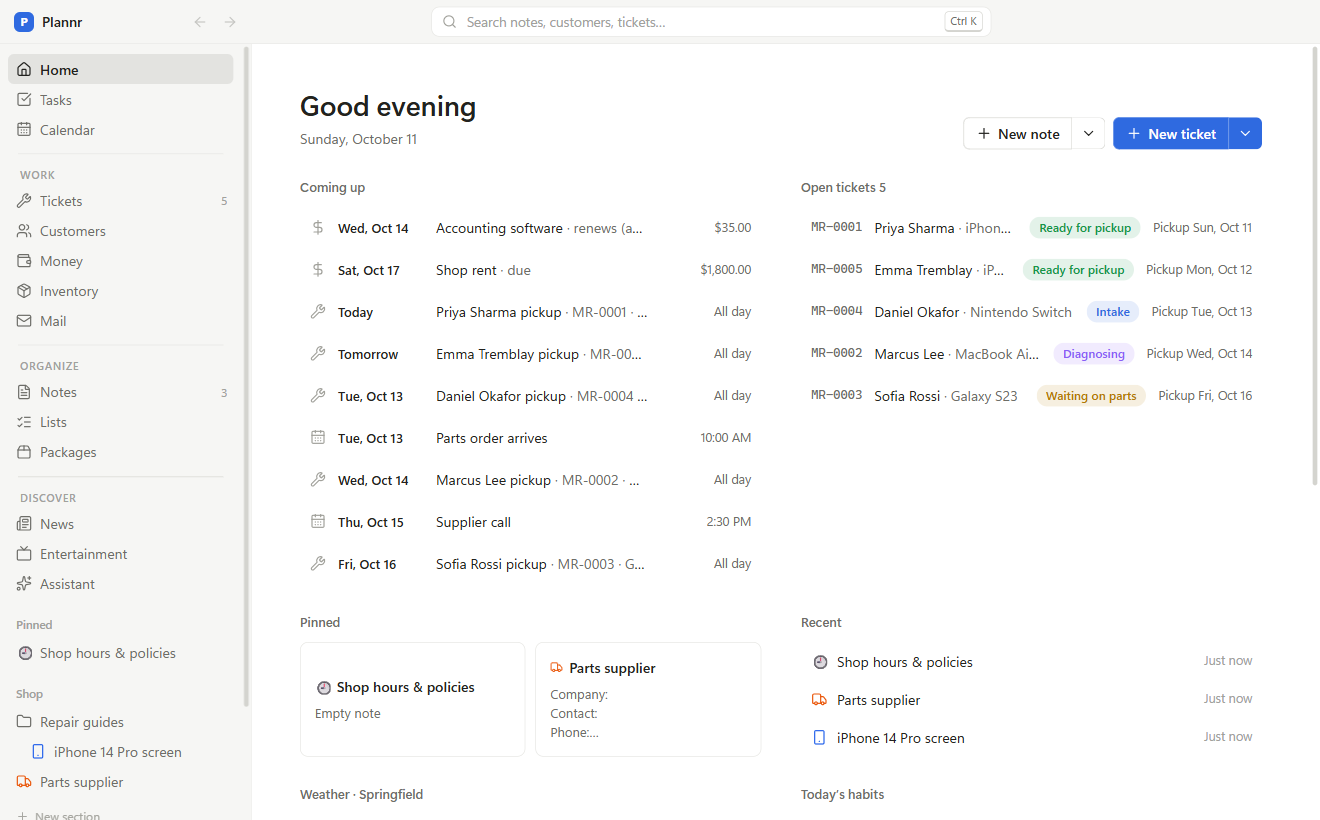
One place instead of a dozen apps
For freelancers, small businesses, side projects or just your own life. Use what you need; hide the rest.
Notes
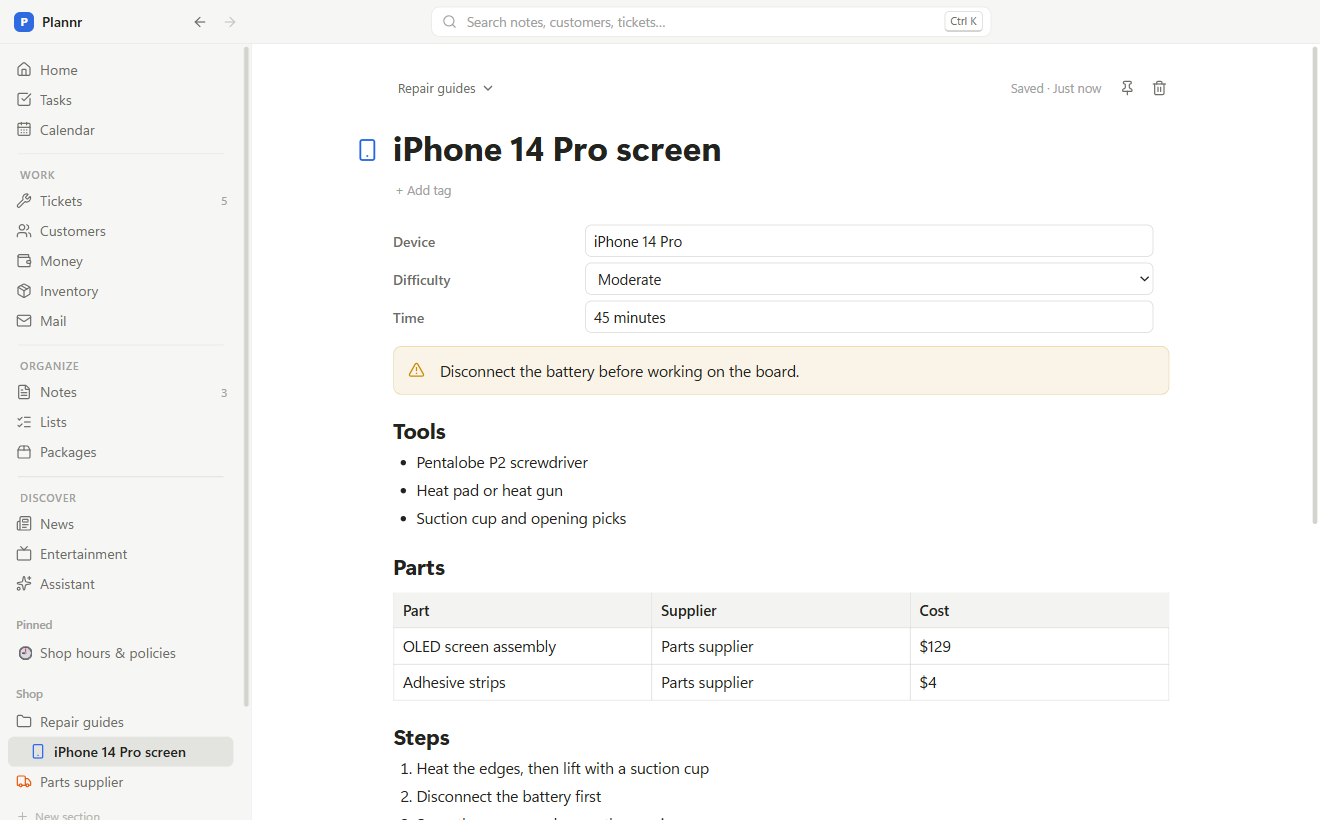
Checklists, tables, callouts, toggles and photos. Link anything with @. Folders, your own sections, and templates for meetings, plans, logs and more.
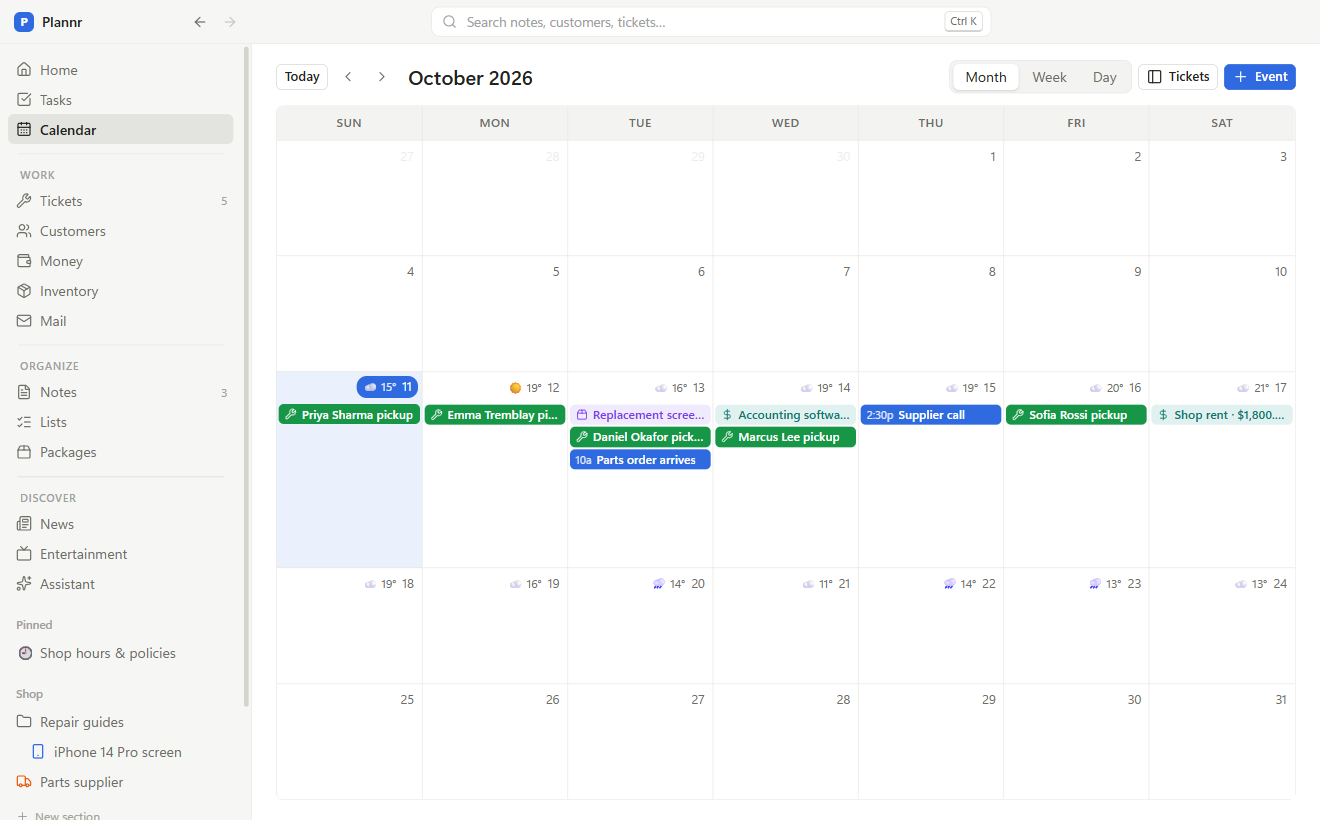
Calendar
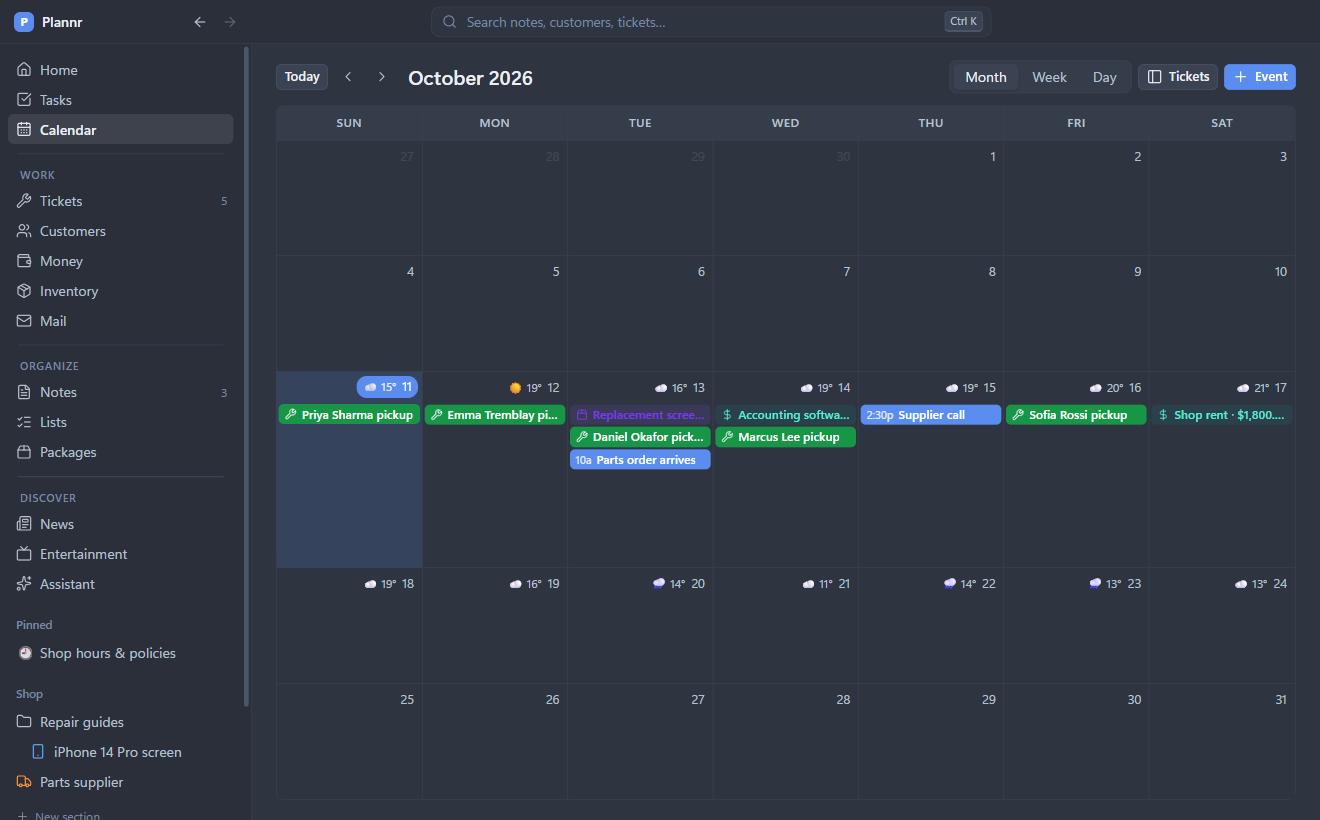
Month, week and day views. Drag notes and tickets onto a day. Windows reminders, and public holidays built in.
Customers
The people and companies you work with, and everything you’ve done for them. Find anyone by name, email or phone number in any format.
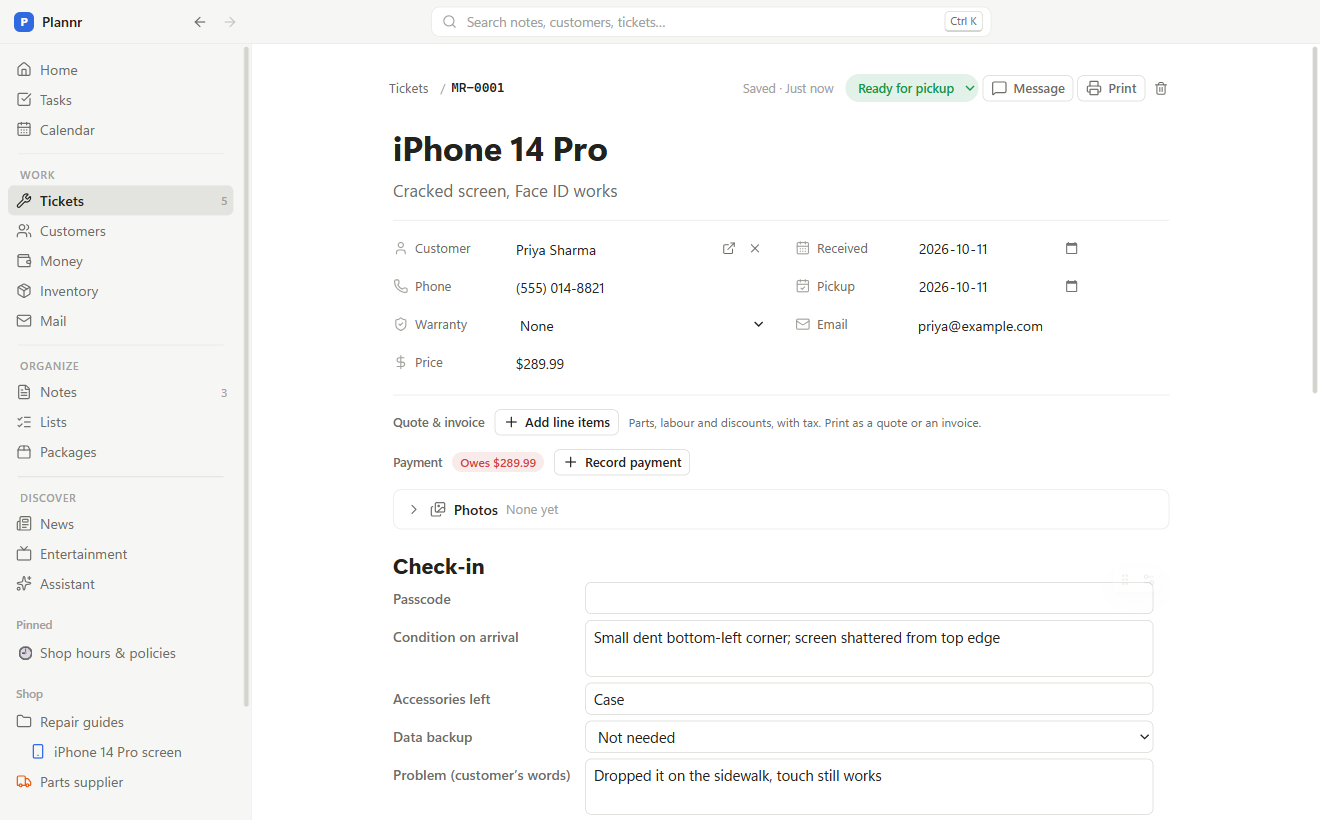
Tickets
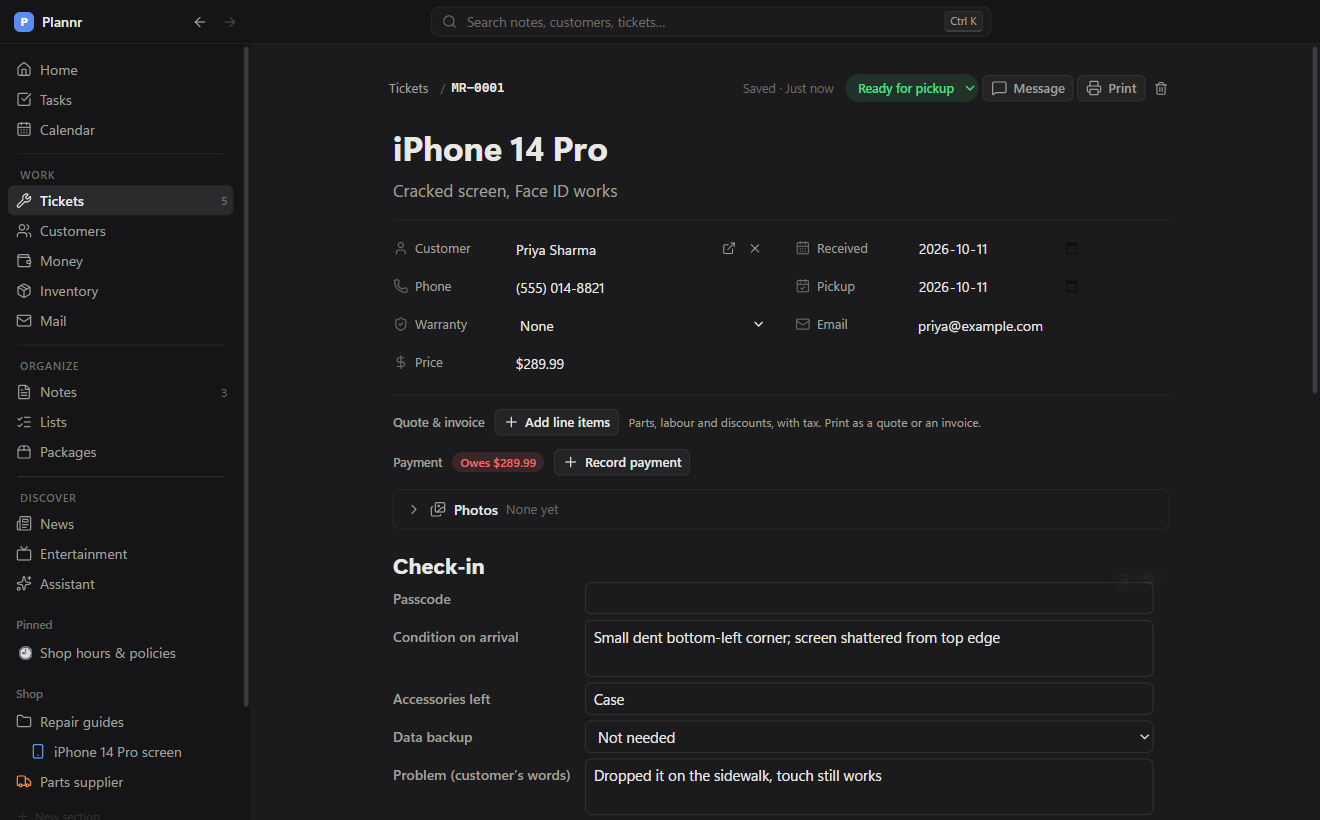
Track jobs, repairs, orders or requests from start to finish: status, price, photos and a fill-in form you design. Print slips, receipts and labels.
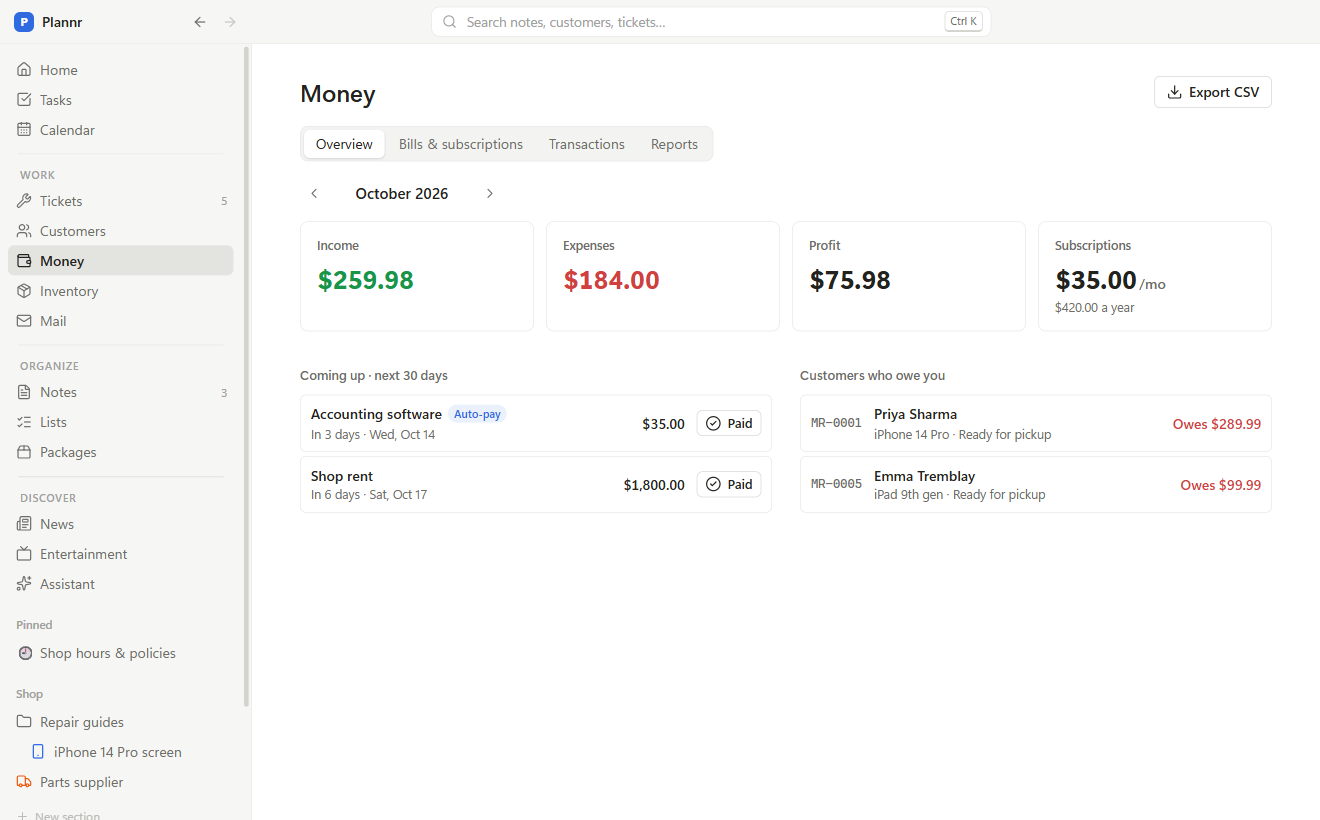
Money
Income with tax included or on top, expenses, bills and subscriptions with auto-pay, and who still owes you. CSV export.
Vault
Passwords, cards and documents encrypted with your own passcode (AES-256). Locks itself when you step away.
News
What’s happening where you live: local news, events, closures, elections and weather warnings, minus sad news and stock markets. Add your own pages for game deals, PC parts, anything. Put any story on your calendar in one click.
Entertainment
New videos from the YouTube channels you like and which Twitch streamers are live right now, with a heads-up when one goes live. No accounts needed.
Lists & habits
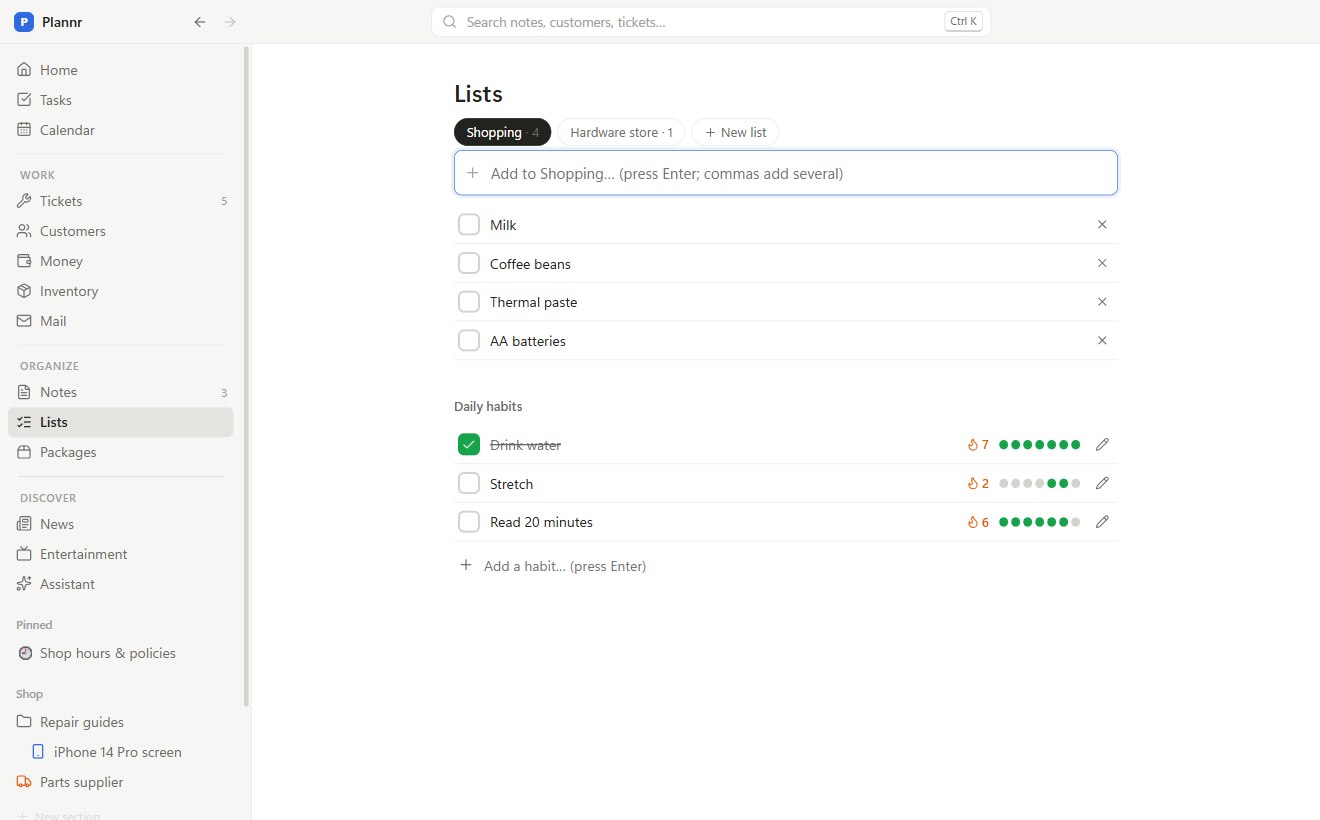
Shopping and other check-off lists that sync to your phone, and daily habits with streaks.
Packages
Paste a tracking number: Plannr knows the carrier, shows the delivery day on your calendar and reminds you that morning.
Assistant
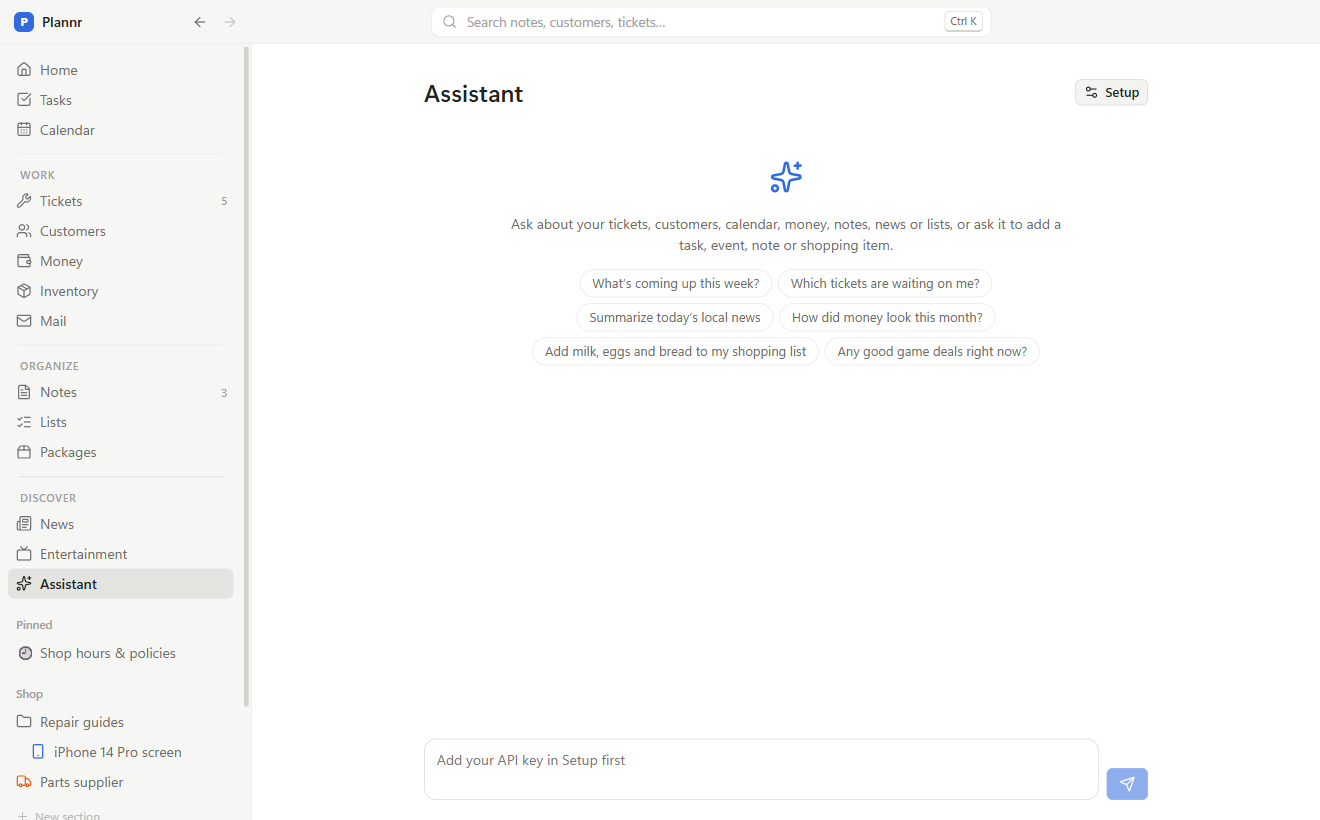
Ask what’s coming up, which tickets are waiting, how money looks, or have it add tasks, events and shopping items. Free with a Gemini key, or use ChatGPT, Claude or a model on your own PC.
Make it yours
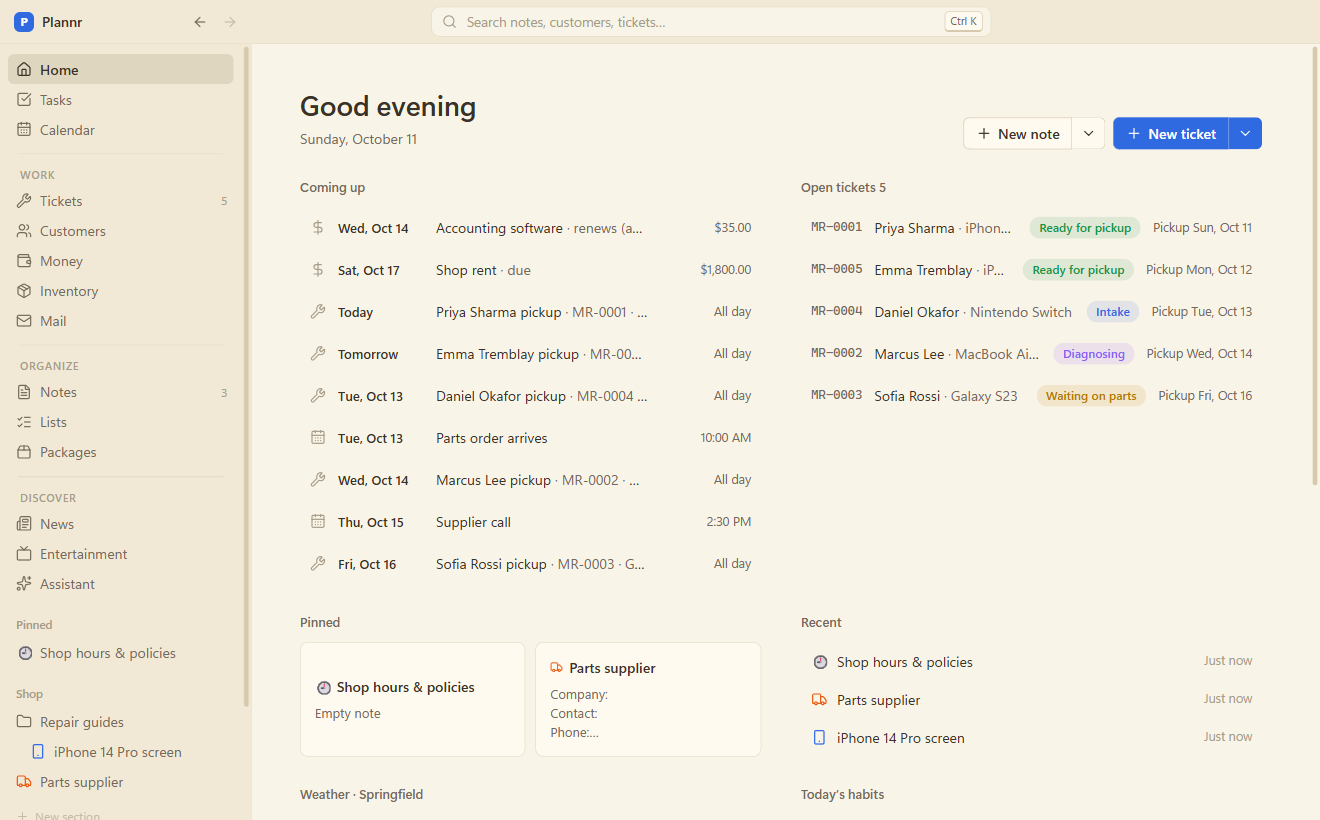
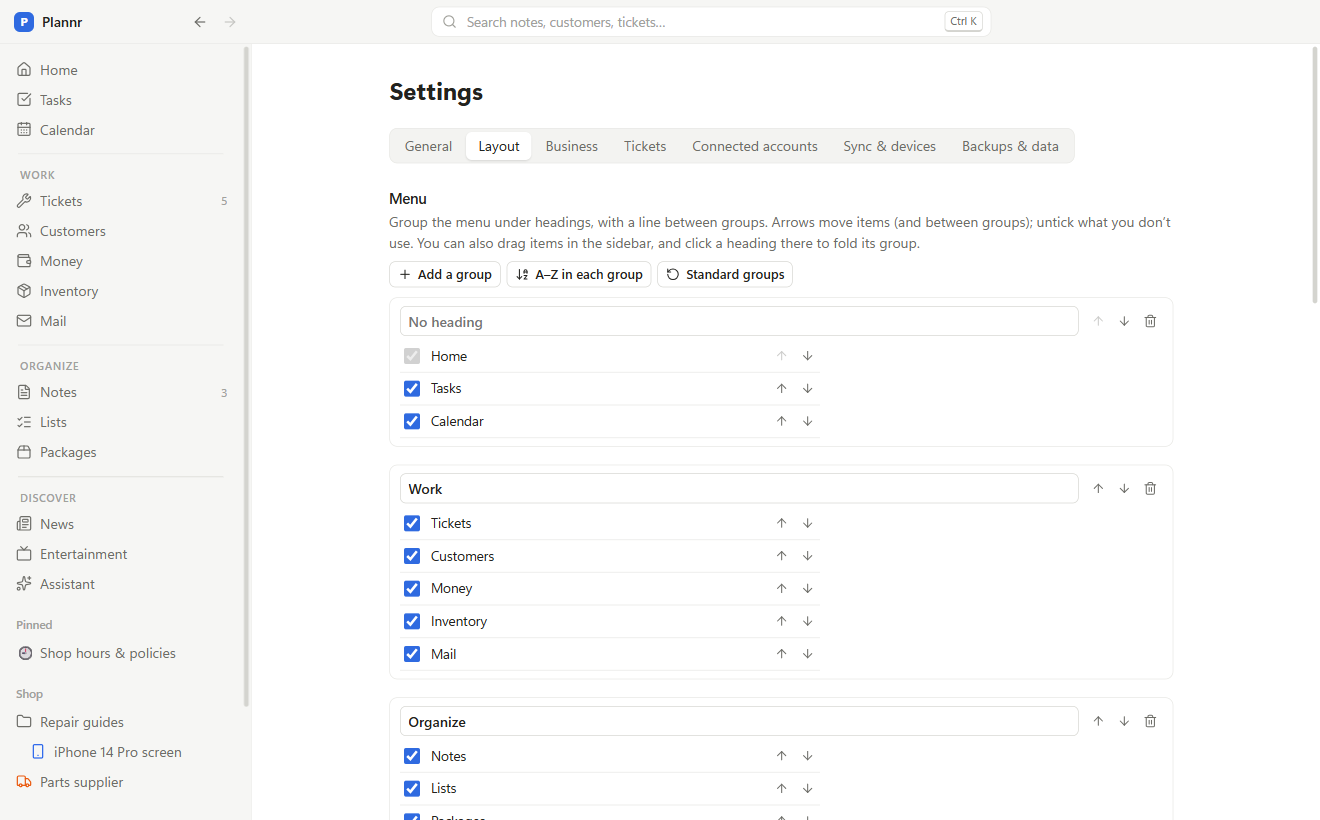
Colour themes that are easy on the eyes (Paper, Solarized, Nord, Midnight and more), a menu grouped your way, your own names for things, Home as tiles, and fill-in forms you design.
Calm, fast, and out of your way
A clean layout, colour themes with light and dark versions, and a phone app that stays in sync. Search everything with Ctrl K.
Connects to what you already use (optional)
Each connection uses your own free developer key, so your data goes straight from your computer to the service. Step-by-step instructions are built in.
Google Calendar
Plannr events on your phone; your Google calendars inside Plannr.
Zoho Mail
Every email with a customer, right on their page.
QuickBooks Online
Customers, payments and expenses go to your books automatically.
Your phone
A free sync service you run yourself (end-to-end encrypted) puts everything on your phone too.